
Best Laptop For Graphic Design Students UK: What You Actually Need
The best laptop for graphic design is one that balances fast memory and a colour-accurate screen with a highly portable chassis. For university, finding the right laptops for graphic design students does not mean buying the most expensive machine on the shelf. This honest laptop guide bypasses the jargon to show you exactly what specifications will help your creative coursework thrive without breaking your budget.
Design course reading lists are vague about computers, and shops are happy to sell students far more machine than the course needs. The specification that matters is shorter than it looks.
Here is what actually affects your work, what does not, and how to spend a student budget sensibly.
Honest note: we make cards, prints, pin badges and party decorations in the UK. Laptops and software are recommendations from elsewhere.
What actually matters
When researching the best laptop for students, it is easy to get distracted by flashy processor names. For creative coursework, success comes down to a few critical hardware details that directly affect your daily workflow in the studio. Focusing on these essentials ensures you choose a machine that runs professional creative software smoothly and remains comfortable to carry between lectures.
- Memory. 16GB is the real starting point for Illustrator and Photoshop with a browser and Spotify open, and you cannot upgrade it later on most machines.
- The screen. Colour accuracy decides whether your printed work matches what you approved.
- Weight and battery, because a design student carries a laptop between studio, library and home every single day.
- Silence. Fanless machines matter more than you expect in a shared studio.
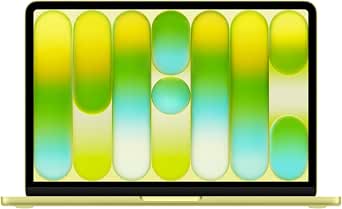
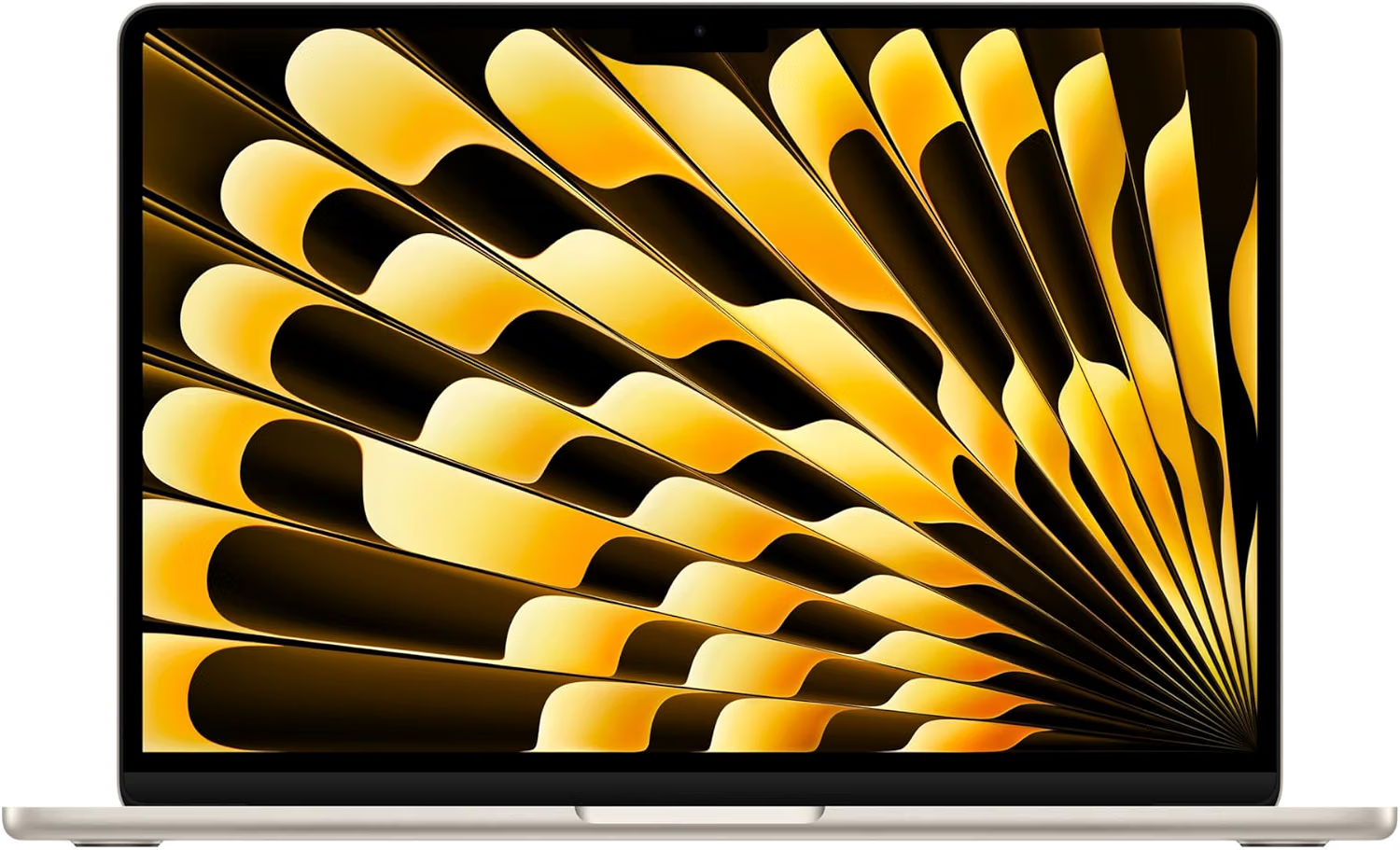
- A 13-inch MacBook Air with 16GB unified memory and an M5 chip hits all four, which is why it is the default machine across UK design courses.
What matters less than shops suggest
Retailers often steer you towards the most expensive setups, but many premium features are unnecessary for coursework. You do not need to visit the best shop to buy laptop models with maximum specifications. Understanding where you can safely compromise prevents you from overpaying for power you will never actually use during your studies.
- A discrete graphics card. Useful for 3D and heavy video, irrelevant for print and branding work.
- Huge internal storage, when cloud storage and an external SSD cost a fraction.
- Screen size above 14 inches - you will plug into a studio monitor anyway.
- The very latest chip. Last year's model at a discount is usually the better student buy.
- Extended warranties, when your course or bank may already cover accidental damage.
Budgets
Finding the best laptop for design students is all about allocating your funds where they make the biggest performance impact. Whether you have a modest sum or a larger creative grant, setting a realistic budget is crucial. Fortunately, there are excellent options at various price points if you know how to shop smartly for academic use.
- Under GBP 700: a refurbished machine with 16GB RAM beats a new one with 8GB, every time.
- GBP 900 to GBP 1,200: the sensible zone for a new MacBook Air or a good Windows equivalent.
- Over GBP 1,500: only worth it if you are doing 4K video or 3D work weekly.
- Always use the UK education store pricing and check for student discounts on software too.
- Budget separately for a drawing tablet and an external SSD.
The rest of the kit
While having one of the top laptops for graphic design is essential, your physical workspace needs a few extra tools to be fully functional. Investing in some basic peripherals will protect your work and make long designing sessions much more comfortable. Do not forget to make your study space feel inspiring and personal too.
- A graphics tablet, even a small one, changes how illustration feels.
- An external SSD for backups, because course work vanishing is a rite of passage nobody needs.
- A monitor calibration tool, or at least a well-calibrated screen to start with.
- Something on the wall of a student room that is not a Blu Tack poster - Shop the range
- Gifts for graphic designers - Read the guide
Key things to remember
- 16GB memory before anything else.
- Refurbished beats new with less memory.
- Back up to an external SSD.
You might also be interested in...
Frequently asked questions
How much RAM do graphic design students need?
16GB. 8GB technically runs Illustrator and Photoshop but struggles the moment you have several large files and a browser open, and it cannot usually be upgraded later.
Is a MacBook Air good for graphic design?
Yes for print, branding, illustration and layout work. It has a colour-accurate display, runs silently and is light enough to carry between studio and home. Heavy 3D or daily 4K video is the exception.
How much should a design student spend on a laptop?
GBP 900 to GBP 1,200 new, or less refurbished. Prioritise 16GB memory over a faster chip or bigger storage.
Do you need a Mac for a graphic design course?
Not strictly, but most UK studios and courses run on Macs, so file handling, fonts and colour profiles are simply less fiddly.
What else do design students need besides a laptop?
A graphics tablet, an external SSD for backups, and a student subscription to Adobe Creative Cloud or Affinity.
Do you sell laptops?
No. We design and print greetings cards, enamel pin badges, prints and party decorations in the UK. Laptops and software are recommendations from elsewhere - the only things linked to our own shop are ours.
Where to shop next
- Greetings cards
- Wedding cards
- Wall art and prints
- Pin badges
- Party decorations
- Start a greeting card business
- DIY wedding invitations
- Digital scrapbooking
- Small home office ideas
- How to self publish a book
- Gifts for graphic designers
- Gifts for university students
- Gifts for video editors
- Gifts for tech lovers
- Gifts for musicians
- Planning the party? Birthday party ideas
- How to make a balloon arch
- Photo booth prop ideas
- How to Design a Card
- Pin badges
- All guides
Prints and cards, designed and printed by us
Prints for a student room and cards for everyone back home.
 You Old Bastard (Funny Birthday Card)
£3.87
 Cheeky Wordsearch Valentines Day Card For Him
£3.87
 Fifty & Even More Fabulous Than Ever (50th Birthday Card)
£3.87
 Cheeky Wordsearch Valentines Day Card For Her
£3.87
 I Wish You Looked At Me Like Any Can of Diet Coke Ever (Valentines Day Card)
£3.87
 Sixty Looks Pretty Good On You (60th Birthday Card)
£3.87
Found your words? Now find the card
Shop greetings cards Wedding cards Wall art and prints Pin badges