
Best Tech for Starting University: What First Years Actually Use
Most university tech lists are far too long. In practice a first year uses a laptop, a phone, headphones and a charger, and everything else gets carried home again at Christmas unopened.
This is the honest version: what to spend on, what to skip, and how to stop it all being stolen or lost in halls.
Honest note: we design and print our cards, badges, prints and party decorations in the UK. The MacBook and the iPhone are recommendations from elsewhere.
Shop the cards that go with these
Shop good luck cards Greetings cards Pin badges Funny wall art
Good luck cards, designed by us
Good luck and new chapter cards drawn in house and printed in the UK, posted quickly.
 You Old Bastard (Funny Birthday Card)
£3.87
You Old Bastard (Funny Birthday Card)
£3.87
 Cheeky Wordsearch Valentines Day Card For Him
£3.87
Cheeky Wordsearch Valentines Day Card For Him
£3.87
 Fifty & Even More Fabulous Than Ever (50th Birthday Card)
£3.87
Fifty & Even More Fabulous Than Ever (50th Birthday Card)
£3.87
 Cheeky Wordsearch Valentines Day Card For Her
£3.87
Cheeky Wordsearch Valentines Day Card For Her
£3.87
 I Wish You Looked At Me Like Any Can of Strongbow Dark Fruits Ever (Valentines Day Card)
£3.87
I Wish You Looked At Me Like Any Can of Strongbow Dark Fruits Ever (Valentines Day Card)
£3.87
 Happy Valentines Day, Bab (Valentines Day Card)
£3.87
Happy Valentines Day, Bab (Valentines Day Card)
£3.87
The laptop is the one decision that matters
- Buy the laptop first and let the budget for everything else follow. A MacBook Air is the safe answer for most people: it's silent, it lasts a full day away from a plug, and it handles photo editing, coursework and everyday work without fuss.
- Battery life beats raw speed. Lectures and libraries rarely have a free plug.
- Weight matters more than screen size when it's in a bag five days a week.
- 512GB if they're doing anything with video or design, 256GB otherwise.
- Buy through the student store or in the back-to-uni sales. The discount is real.
The phone does more work than people admit
- It's the camera, the alarm, the bank, the travel pass and the group chat. An iPhone 18 Pro Max is the camera most people will actually carry. The long lens and the low-light performance are the two things worth paying for if you take a lot of photos of people.
- Battery is the spec that matters in first year, not the chip.
- A case and a screen protector on day one. Halls are hard on phones.
- Set up Find My on both the phone and the laptop before they leave home.
- A second charging cable for the bag, so the one by the bed stays there.
What else actually gets used
- Noise-cancelling headphones. Shared kitchens are loud at all hours.
- A multi-port charger so one plug runs the lot.
- An extension lead. Halls never have enough sockets, and never in the right place.
- A small printer is almost never worth it. Campus printing is cheaper.
- A hard-shell laptop sleeve rather than a fancy bag.
Backing up before disaster strikes
- Everything in iCloud or Drive from day one. Dissertations get lost every single year.
- Phone photos backing up automatically, checked once, not assumed.
- A cheap external drive for anything huge, like video coursework.
- Two-factor authentication on the student email account.
- Note the serial numbers down somewhere that isn't the laptop.
Keeping it safe in halls
- Insurance. Check whether the family home policy already covers a student in halls.
- Never leave a laptop in a library seat, however British the queue etiquette feels.
- A plain sleeve beats an obvious branded bag on a night bus.
- Lock the room door even for five minutes in the kitchen.
- Register the serial numbers with the campus security scheme if there is one.
If you're sending someone off
- A good luck card in the bag for them to find later - Shop the range
- A pin badge for the lanyard or the tote - Shop the range
- A print for a bare halls wall, which is grimmer than anyone expects - Shop the range
- A candle is not allowed in most halls. Check before you buy one.
- Gifts for university students - Read the guide
Found your words? Now find the card
Shop good luck cards Greetings cards Pin badges Funny wall art
How to write it so it lands
- Buy the laptop first, then everything else.
- Battery life beats raw speed.
- Cloud backup on from day one.
You might also be interested in...
We make cards, pin badges, prints and party bits in house. These are from other shops we rate, and buying through the link costs you nothing extra.
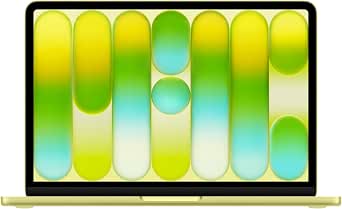
Apple MacBook Neo 13-inch Laptop with A18 Pro chip: Built for AI and Apple Intelligence, Liquid Retina Display, 8GB Unified Memory, 256GB SSD Storage, 1080p Fac
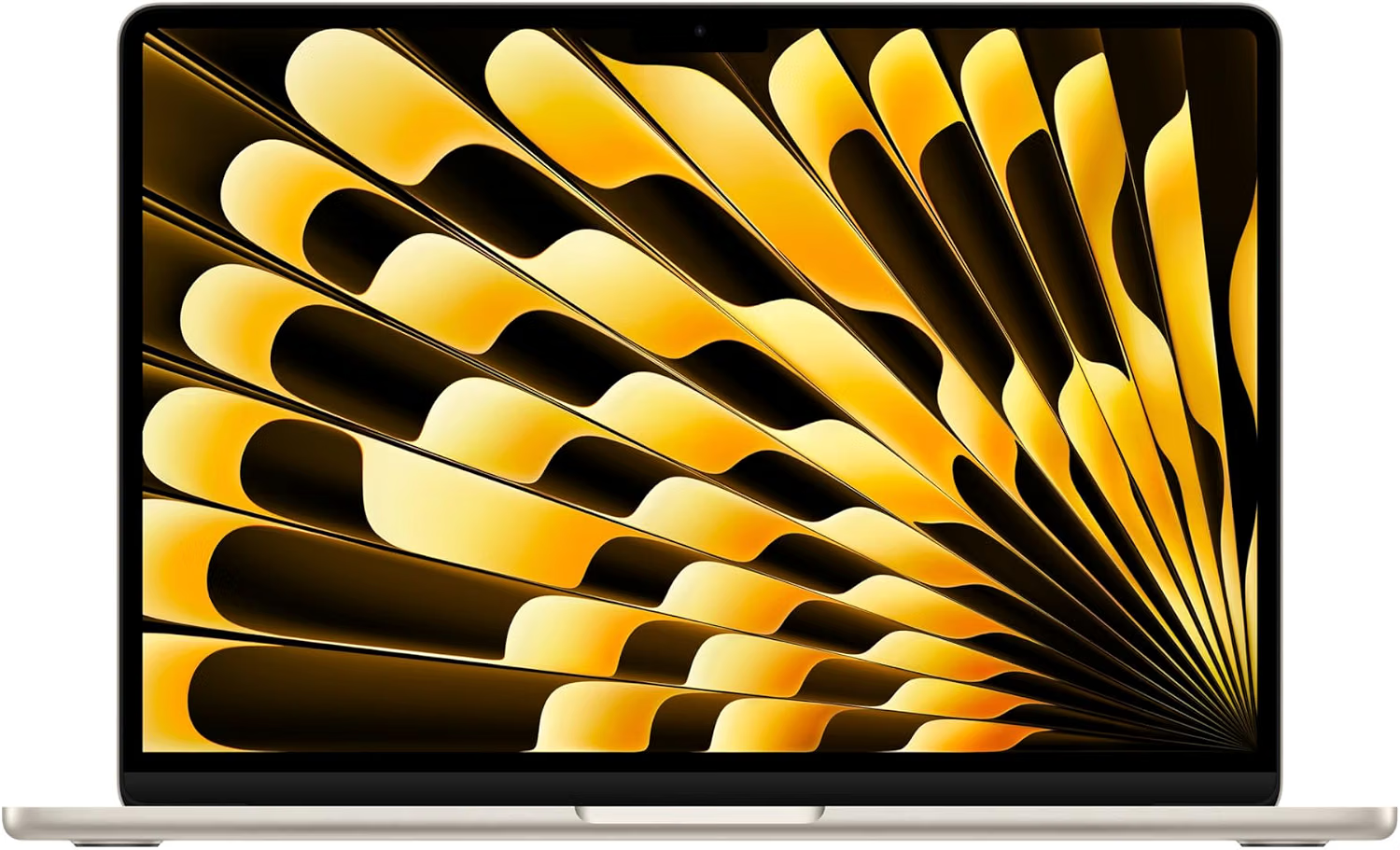
Apple MacBook Air 13-inch Laptop M5 chip with 10-core CPU and 8-core GPU: Built for AI, 13.6-inch Liquid Retina Display, 16GB Unified Memory, 512GB SSD
Where to shop next
- Greetings cards
- Pin badges
- Funny wall art
- Party items
- Scented soy candles
- iPhone photography tips
- 18th birthday tech gift ideas
- How to print your phone photos
- Best laptop for a small creative business
- Tech gifts for a new job
- Gifts for tech lovers
- Gifts for university students
- Gifts for graphic designers
- Best laptop for graphic design students
- Small home office ideas
- How to archive your family photos
- Planning the party? Birthday party ideas
- How to make a balloon arch
- Photo booth prop ideas
- Good luck cards
- Pin badges
- All guides
Frequently asked questions
What laptop should a university student buy in the UK?
For most courses, a MacBook Air with 16GB of memory and 512GB of storage covers four years without complaint: it's light, silent and lasts a full day on battery. Buy through the student store or during the back-to-uni sales for the discount.
Do students need a printer at university?
Almost never. Campus printing is cheaper per page, and a printer in a hall room takes up desk space and runs out of ink at midnight before a deadline. Spend the money on headphones instead.
How much storage does a student laptop need?
256GB is fine for essay-based courses with cloud storage turned on. Take 512GB for design, film, music or anything that involves large files, because upgrading later isn't possible on most modern laptops.
How do you keep a laptop safe in halls?
Check whether the family home insurance covers a student in halls, lock the room door every time, use a plain sleeve rather than an obvious laptop bag, and turn on Find My before they leave home.
Do you sell the laptop or the phone?
No. We design and print greetings cards, enamel pin badges, prints, candles and party decorations in the UK. The MacBook and the iPhone are recommendations from elsewhere - only the things linked to our own shop are ours.