
How to Print Your Phone Photos: Sizes, Quality and What to Do With Them
Most of us take hundreds of photos a month and print none of them. The whole lot sits on a phone, gets backed up once, and is never looked at again.
Printing is easier and cheaper than it was, but there are a few rules that decide whether a print looks sharp or soft. Here they are, along with what to do with the results.
Honest note: we design and print our cards, badges, prints and party decorations in the UK. The MacBook and the iPhone are recommendations from elsewhere.
Shop the cards that go with these
Prints and cards, designed by us
Wall art and greetings cards drawn in house and printed in the UK.
 You Old Bastard (Funny Birthday Card)
£3.87
You Old Bastard (Funny Birthday Card)
£3.87
 Cheeky Wordsearch Valentines Day Card For Him
£3.87
Cheeky Wordsearch Valentines Day Card For Him
£3.87
 Fifty & Even More Fabulous Than Ever (50th Birthday Card)
£3.87
Fifty & Even More Fabulous Than Ever (50th Birthday Card)
£3.87
 Cheeky Wordsearch Valentines Day Card For Her
£3.87
Cheeky Wordsearch Valentines Day Card For Her
£3.87
 I Wish You Looked At Me Like Any Can of Strongbow Dark Fruits Ever (Valentines Day Card)
£3.87
I Wish You Looked At Me Like Any Can of Strongbow Dark Fruits Ever (Valentines Day Card)
£3.87
 Happy Valentines Day, Bab (Valentines Day Card)
£3.87
Happy Valentines Day, Bab (Valentines Day Card)
£3.87
Which photos are worth printing
- Faces, not landscapes. Almost every print people keep has a person in it.
- Shot in daylight. Dark indoor shots go grainy the moment they're enlarged.
- Taken with the main lens, not the digital zoom.
- Nothing screenshotted or saved from a group chat. Those files are already squashed.
- Ask the person whose phone took it for the original, not the WhatsApp copy. An iPhone 18 Pro Max is the camera most people will actually carry. The long lens and the low-light performance are the two things worth paying for if you take a lot of photos of people.
Sizes and what they need
- 6x4 inch: fine from any modern phone photo, no thinking required.
- A4: needs a clean, well-lit original, ideally not cropped much.
- A3 and above: use the full-size file straight off the phone, never a shared copy.
- Square crops suit group shots badly. Check faces aren't cut at the edge.
- Add a border or a mount and a small print looks twice the price.
Getting the file off the phone properly
- AirDrop or a cable keeps the original quality. Email and messaging apps don't.
- Doing it on a laptop makes choosing and cropping far quicker than on a phone screen. A MacBook Air is the safe answer for most people: it's silent, it lasts a full day away from a plug, and it handles photo editing, coursework and everyday work without fuss.
- Turn off Optimise Storage or download the full-size copy first.
- Check the file is a few megabytes, not a few hundred kilobytes.
- Crop and straighten before uploading, not after.
Where to get them printed
- Supermarket and high street machines are fine for 6x4s and same-day needs.
- Online print labs are better for anything A4 and up, and cheaper in bulk.
- Ask for matte for portraits and gloss for bright, colourful shots.
- Order one test print before committing to a big one.
- Colours always print slightly darker than a phone screen suggests.
Hanging and displaying them
- A gallery wall of six mixed sizes looks better than one big print for most rooms.
- Hang at eye level, which is lower than most people hang things.
- Keep prints out of direct sun or they fade within a year.
- Mix photos with illustrated prints so the wall isn't all faces - Shop the range
- A shelf of frames is easier than drilling, and you can change it.
Photos as gifts
- A photo book of one year beats a book of ten. Nobody finishes ten.
- A single framed print of a day that mattered is a better gift than a hamper.
- Tuck a print inside a card for grandparents - Shop the range
- Photo gifts land best at Christmas and for big birthdays.
- How to archive your family photos - Read the guide
Found your words? Now find the card
How to write it so it lands
- Use the original file, never the chat copy.
- Matte for portraits, gloss for colour.
- Order one test print first.
You might also be interested in...
We make cards, pin badges, prints and party bits in house. These are from other shops we rate, and buying through the link costs you nothing extra.
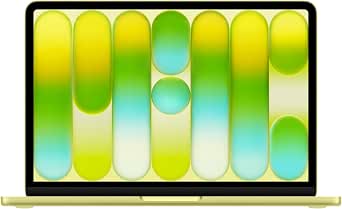
Apple MacBook Neo 13-inch Laptop with A18 Pro chip: Built for AI and Apple Intelligence, Liquid Retina Display, 8GB Unified Memory, 256GB SSD Storage, 1080p Fac
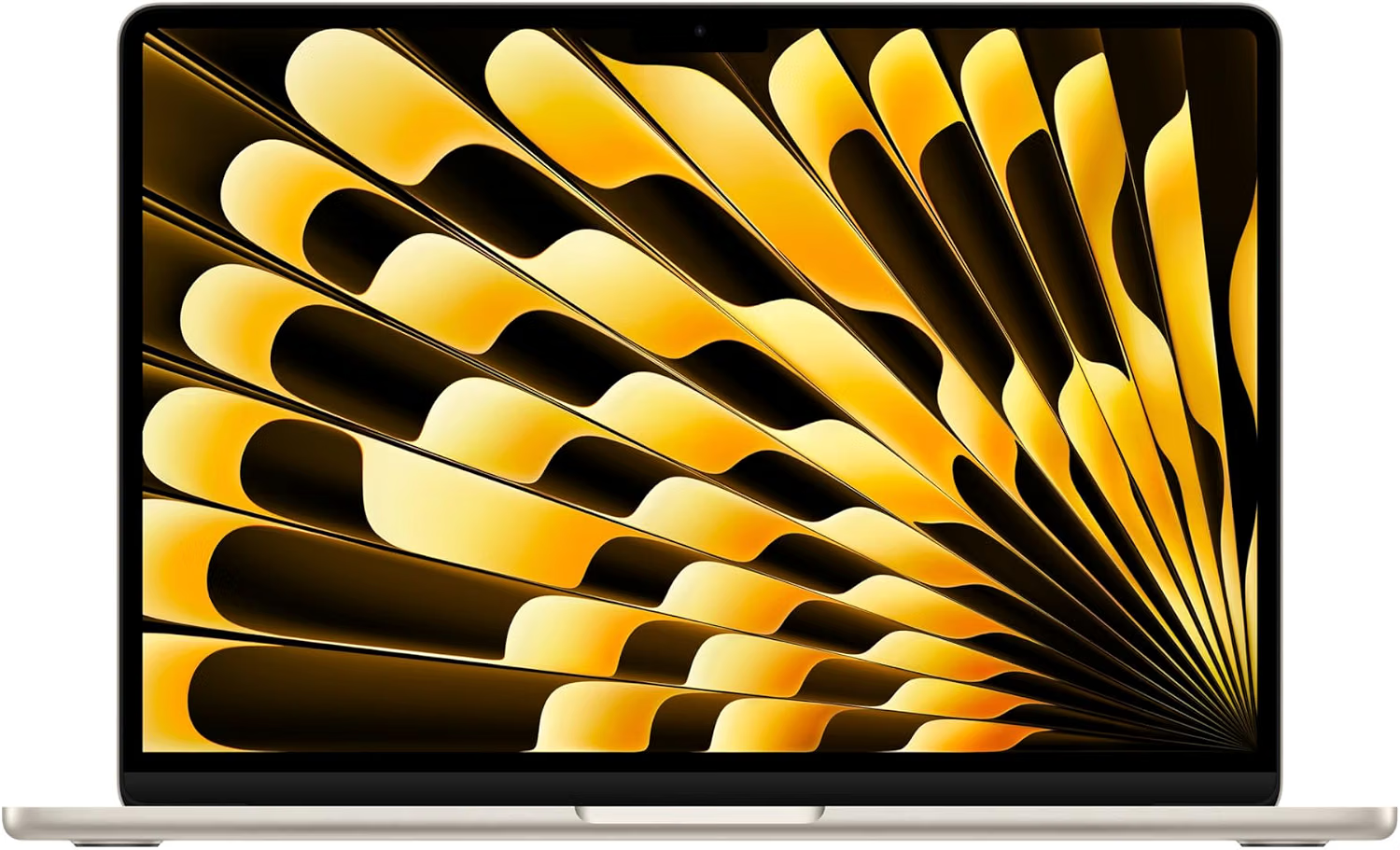
Apple MacBook Air 13-inch Laptop M5 chip with 10-core CPU and 8-core GPU: Built for AI, 13.6-inch Liquid Retina Display, 16GB Unified Memory, 512GB SSD
Where to shop next
- Greetings cards
- Pin badges
- Funny wall art
- Party items
- Scented soy candles
- Best tech for starting university
- iPhone photography tips
- 18th birthday tech gift ideas
- Best laptop for a small creative business
- Tech gifts for a new job
- Gifts for tech lovers
- Gifts for university students
- Gifts for graphic designers
- Best laptop for graphic design students
- Small home office ideas
- How to archive your family photos
- Planning the party? Birthday party ideas
- How to make a balloon arch
- Photo booth prop ideas
- Pin badges
- All guides
Frequently asked questions
Are phone photos good enough to print?
Yes, as long as you use the original file rather than a copy shared through a messaging app. Daylight shots taken on the main lens print well up to A3. Dark indoor photos and anything digitally zoomed go soft once enlarged.
What size should you print phone photos?
6x4 inch works from any modern phone with no thought. A4 needs a clean, well-lit original. For A3 and above, transfer the full-size file by cable or AirDrop and order a test print first.
Why do my printed photos look darker than on my phone?
Phone screens are backlit and bright, paper isn't. Prints almost always come out a shade darker and less punchy. Brighten the shadows slightly before ordering, and order one test print before a large one.
What's the best way to display photo prints at home?
A gallery wall of six mixed sizes at eye level looks better in most British rooms than one large print. Keep them out of direct sunlight, and mix photographs with illustrated prints so the wall doesn't read as a family shrine.
Do you sell the laptop or the phone?
No. We design and print greetings cards, enamel pin badges, prints, candles and party decorations in the UK. The MacBook and the iPhone are recommendations from elsewhere - only the things linked to our own shop are ours.