
Best Laptop for a Small Creative Business: What You Actually Need
When you run a small creative business, the laptop is the shop floor, the accounts department and the design studio. It's also the thing you carry to markets, fairs and the kitchen table at 6am.
That changes what you should buy. Silence, battery and weight beat headline specs, and reliability beats everything.
Honest note: we design and print our cards, badges, prints and party decorations in the UK. The MacBook and the iPhone are recommendations from elsewhere.
Shop the cards that go with these
Cards and prints, designed by us
Greetings cards, prints and badges drawn in house and printed in the UK.
 You Old Bastard (Funny Birthday Card)
£3.87
You Old Bastard (Funny Birthday Card)
£3.87
 Cheeky Wordsearch Valentines Day Card For Him
£3.87
Cheeky Wordsearch Valentines Day Card For Him
£3.87
 Fifty & Even More Fabulous Than Ever (50th Birthday Card)
£3.87
Fifty & Even More Fabulous Than Ever (50th Birthday Card)
£3.87
 Cheeky Wordsearch Valentines Day Card For Her
£3.87
Cheeky Wordsearch Valentines Day Card For Her
£3.87
 I Wish You Looked At Me Like Any Can of Strongbow Dark Fruits Ever (Valentines Day Card)
£3.87
I Wish You Looked At Me Like Any Can of Strongbow Dark Fruits Ever (Valentines Day Card)
£3.87
 Happy Valentines Day, Bab (Valentines Day Card)
£3.87
Happy Valentines Day, Bab (Valentines Day Card)
£3.87
The specs that actually matter
- Get the memory right at the point of purchase, because you can't add it later. A MacBook Air is the safe answer for most people: it's silent, it lasts a full day away from a plug, and it handles photo editing, coursework and everyday work without fuss.
- 16GB of memory is the floor if you have design software and thirty browser tabs open.
- 512GB of storage minimum once you're keeping product photos and artwork files.
- Battery life decides whether you can trade a market day without hunting for a plug.
- Weight matters when it's in a bag with a card reader and a box of stock.
Working from anywhere
- A laptop that wakes instantly means you can answer an order in the two minutes you have.
- Your phone is the second half of the setup: card payments, product photos, order alerts. An iPhone 18 Pro Max is the camera most people will actually carry. The long lens and the low-light performance are the two things worth paying for if you take a lot of photos of people.
- Tether to the phone rather than trusting venue wifi at a fair.
- One charger that does laptop and phone keeps the bag light.
- A cheap stand and a separate keyboard save your neck on long days at home.
Photographing your own products
- Daylight by a window, white foam board opposite, no overhead lights.
- Shoot on the phone, edit on the laptop where you can see the colour properly.
- Shoot every product against the same background so the shop looks coherent.
- Take one straight-on shot, one at an angle and one in use.
- iPhone photography tips - Read the guide
Backups and admin
- Cloud backup on by default, plus an external drive once a month.
- Keep artwork files and finance files in separate folders from day one.
- Scan receipts with the phone the moment you get them.
- A business laptop is usually an allowable expense. Ask your accountant how to claim it.
- Keep the invoice. You'll need it for the books and for any warranty claim.
Market days and fairs
- Power bank, card reader, spare cable, all charged the night before.
- Don't leave the laptop on the stall. Print your prices instead.
- Signage and decorations to make a table look like a shop - Shop the range
- Prints and cards displayed upright, never flat on a table - Shop the range
- A thank-you card in every order - Shop the range
When to upgrade
- When the machine slows you down daily, not when a new model launches.
- Trade the old one in rather than leaving it in a drawer.
- Wipe it properly before it goes anywhere.
- Keep the old one as a market-day spare for one season if you can.
- How to start a greeting card business - Read the guide
Found your words? Now find the card
How to write it so it lands
- 16GB memory, bought up front.
- Shoot products on the phone, edit on the laptop.
- Cloud backup plus a monthly drive copy.
You might also be interested in...
We make cards, pin badges, prints and party bits in house. These are from other shops we rate, and buying through the link costs you nothing extra.
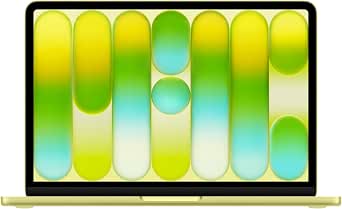
Apple MacBook Neo 13-inch Laptop with A18 Pro chip: Built for AI and Apple Intelligence, Liquid Retina Display, 8GB Unified Memory, 256GB SSD Storage, 1080p Fac
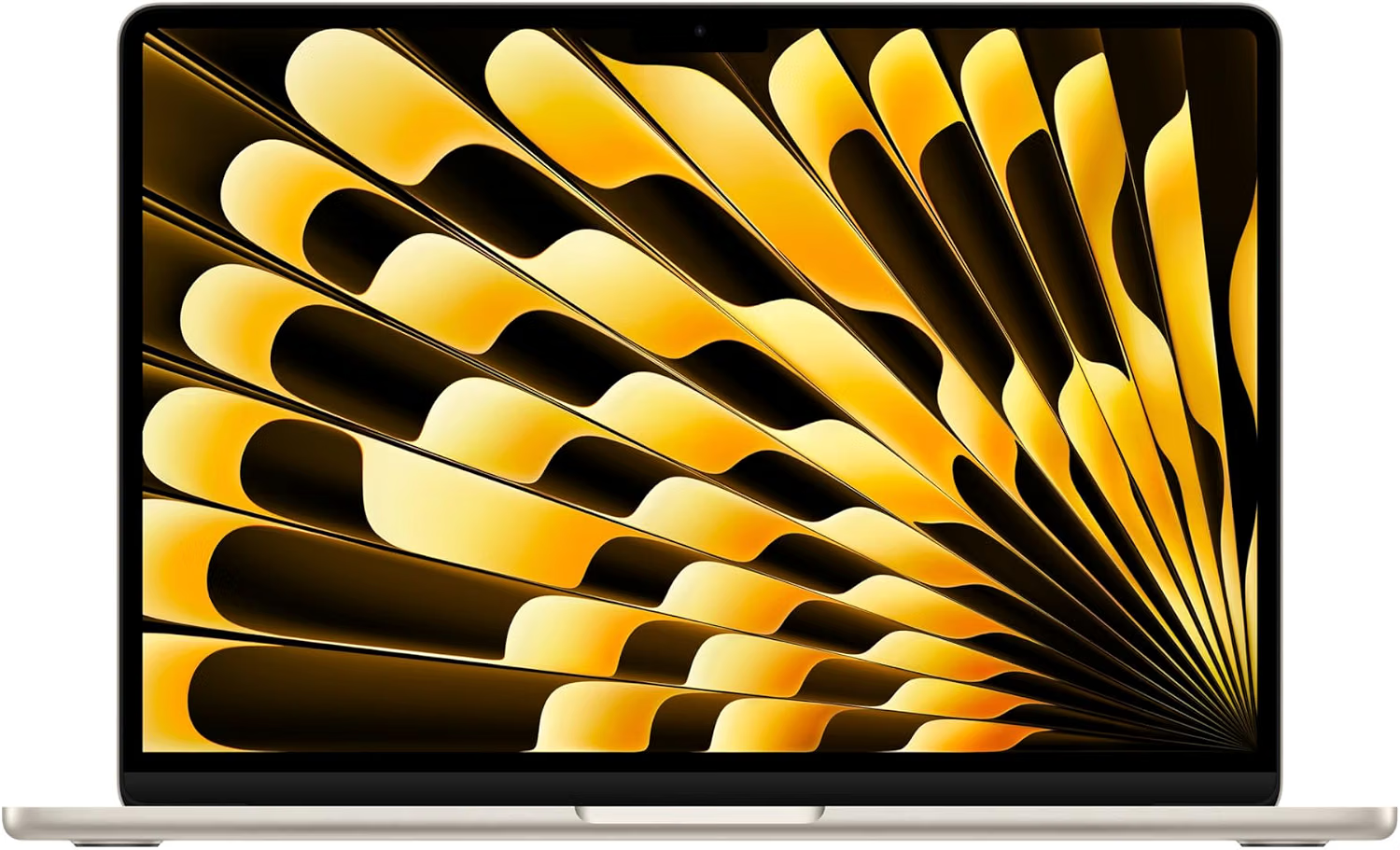
Apple MacBook Air 13-inch Laptop M5 chip with 10-core CPU and 8-core GPU: Built for AI, 13.6-inch Liquid Retina Display, 16GB Unified Memory, 512GB SSD
Where to shop next
- Greetings cards
- Pin badges
- Funny wall art
- Party items
- Scented soy candles
- Best tech for starting university
- iPhone photography tips
- 18th birthday tech gift ideas
- How to print your phone photos
- Tech gifts for a new job
- Gifts for tech lovers
- Gifts for university students
- Gifts for graphic designers
- Best laptop for graphic design students
- Small home office ideas
- How to archive your family photos
- Planning the party? Birthday party ideas
- How to make a balloon arch
- Photo booth prop ideas
- Thank you cards
- Thank you cards guide
- Pin badges
- All guides
Frequently asked questions
What laptop is best for a small creative business?
One with 16GB of memory, 512GB of storage and all-day battery. Memory and storage can't be upgraded later on most modern laptops, so buy more than you need now rather than replacing the machine in two years.
How much memory do you need for design work?
16GB is the practical floor if you run design software alongside a browser, email and a shop dashboard. 8GB works for admin and light photo editing but starts swapping once a big artwork file is open.
Can you claim a laptop as a business expense in the UK?
Usually yes, if it's used for the business, though how you claim it depends on whether you're a sole trader or a limited company and how much personal use there is. Keep the invoice and check with your accountant.
Do you need a camera for product photos?
Not to start. A recent phone by a window with a white board bouncing light back is enough for most online shops. Edit on a laptop rather than the phone so you can judge the colour properly.
Do you sell the laptop or the phone?
No. We design and print greetings cards, enamel pin badges, prints, candles and party decorations in the UK. The MacBook and the iPhone are recommendations from elsewhere - only the things linked to our own shop are ours.